Set Up an Alternate Email ID for Workflow Notifications in Dynamics 365 Finance and Supply Chain
There is a feature under Feature management that allows you to set up a dedicated email address for workflow-related notifications in Dynamics 365 Finance and Supply Chain Management.
How to Configure
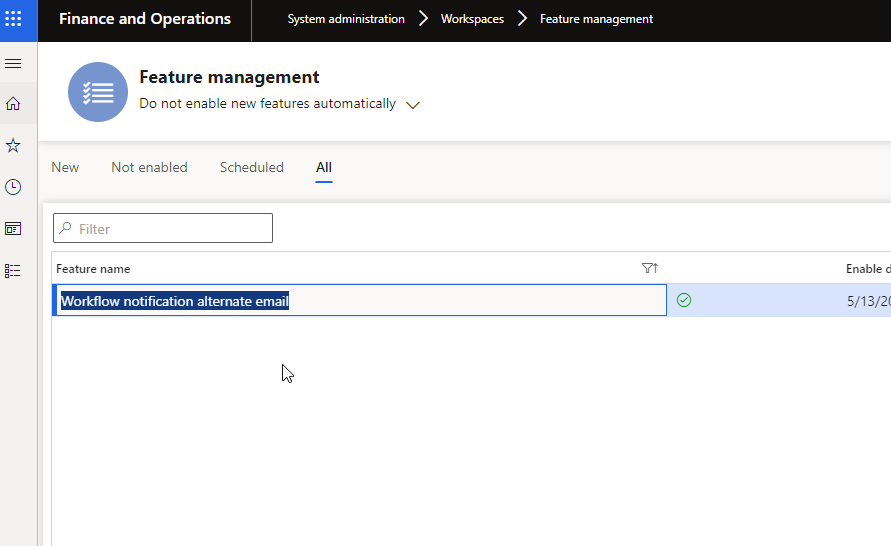
- Enable the feature in Feature management.
- Navigate to the User Options page.
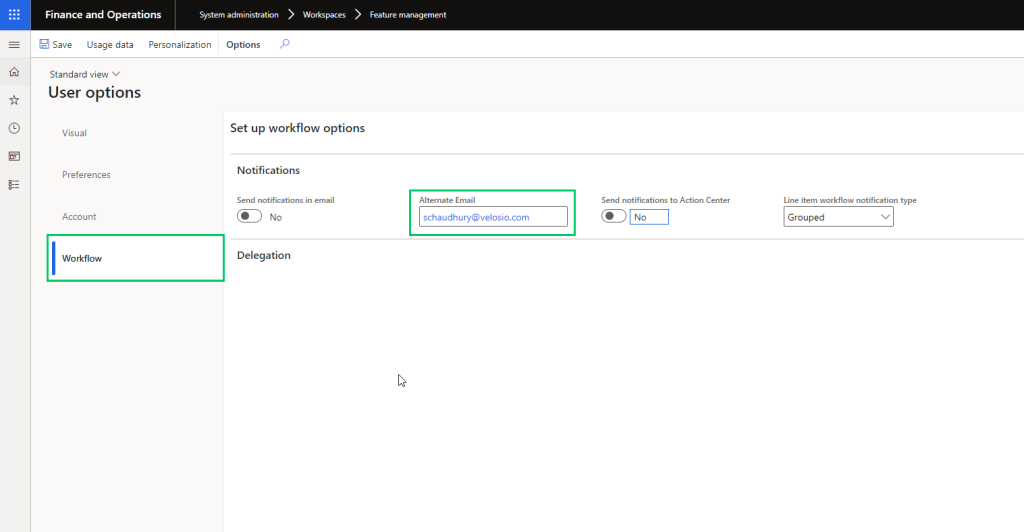
- Under the Workflow tab, you will see a new field named Alternate email.
- Specify the email address for the user — all workflow-related notifications will be sent to this address.
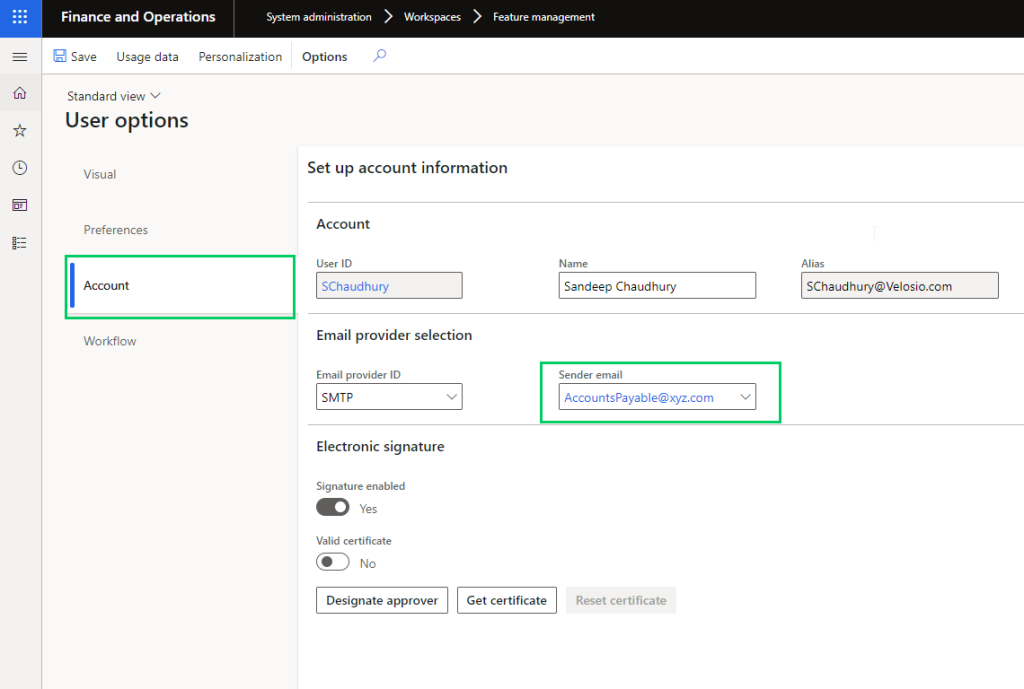
If the field is left blank, workflow emails will be sent to the email address configured under the Sender email field as usual.
Practical Use Case
Consider a scenario where D365 Finance is configured to send payment advices to vendors for ACH payments and the Accounts Payable team wants these advices sent from an AP team email alias rather than individual user email addresses. These same users also receive workflow notifications for various workflows they participate in.
In this case, you can set the Sender email to the Accounts Payable email alias and configure each user's personal email under the Alternate email field. This ensures workflow notifications go to the right individual while payment advices are sent from the shared team alias.
Source: Setup an alternate email ID for workflow notifications – Sandeep Chaudhury, Dynamics 365 Community